Advanced Serial Port Terminal allows you to receive any file sent from the remote computer or device over serial port connection using X-modem protocol.
To receive a file sent over serial port connection using X-modem protocol, do the following:
1. Select "File" –> "New session" from main menu to invoke "New session" dialog.
2. Set the required connection settings to match the ones of the remote COM port.
3. Click "Open" button.
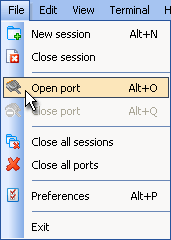
4. Select "File" –> "Open port" to open local serial port if it is not opened yet.
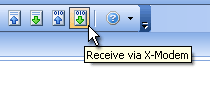
5. Click "Receive via X-modem" toolbar button:
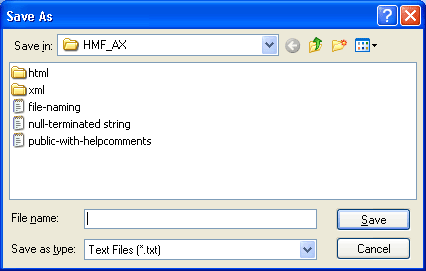
6. "Save As" dialog will be invoked where you can select file to save the incoming text stream into. If you select already existing file, you will get a warning that you may overwrite some data.
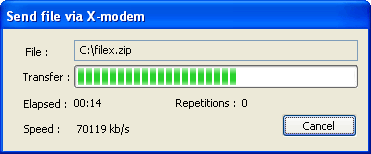
7. "Send file via X-modem" window will be invoked, indicating the transferring progress:
8. Now the remote serial port can send a file.
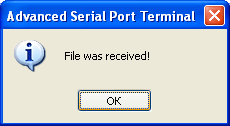
9. Once the transfer is finished, you will get confirmation message: