Flash Decompiler Trillix for Mac OS - Register Flash Decompiler

Once you have purchased Flash Decompiler Trillix and received e-mail with registration key you may register your copy of Flash Decompiler by performing the following steps:

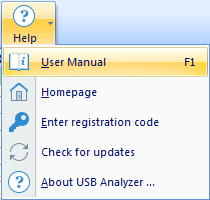
  • Click "Flash Decompiler Trillix" in Main menu. Choose "Enter registration code" menu item.
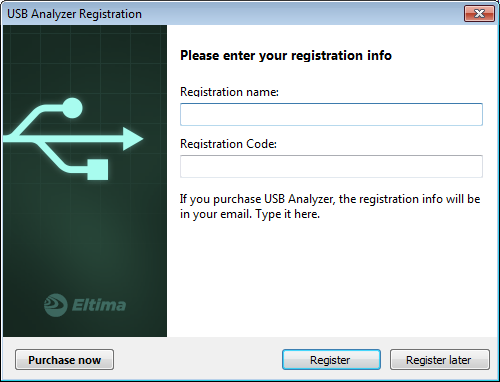
  • In the invoked window enter your registration name and code, and press "Register" button.

  • If you still don't have the code, get it at our site.
  • You may also press "Enter Code Now" button in demo remainder window that is shown at program startup.
  • Follow the same steps as listed above.