Recover PDF Password installation process is very easy. All you need to do is accomplish several simple steps:
1. Download the latest version of Recover PDF Password at:
https://mac.eltima.com/download/pdf-password-recovery.dmg
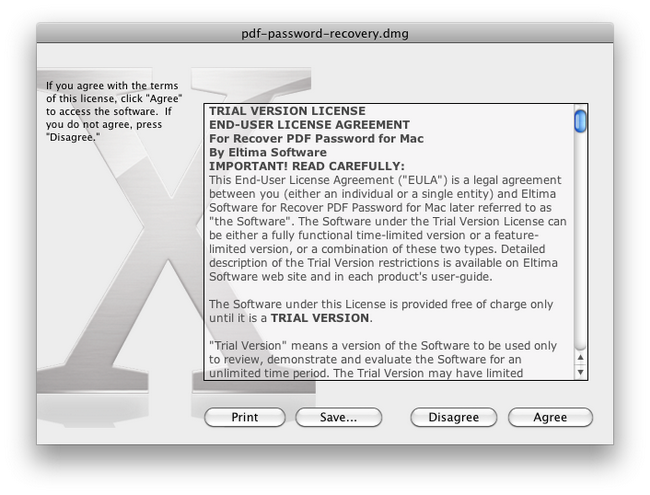
2. Open pdf-password-recovery.dmg to start the installation.
3. Read the License Agreement carefully. If you agree with all terms and conditions of the License Agreement, click “Agree” button to continue Recover PDF Password installation:
4. In the invoked window drag Recover PDF Password (.app file) to Applications folder:
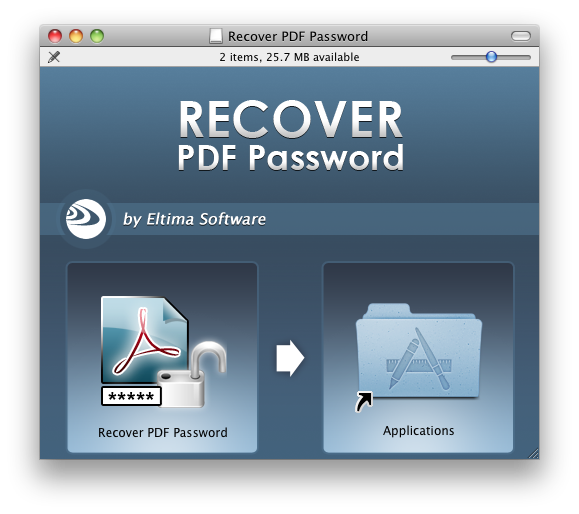
5. Go to Applications folder, find Recover PDF Password.app there and double-click it to launch.