To install Advanced Serial Port Terminal, accomplish these simple steps:
1. Download the latest version of Advanced Serial Port Terminal at:
/download/serial-port-terminal
2. Double-click serial_port_terminal.exe to start the installation process.
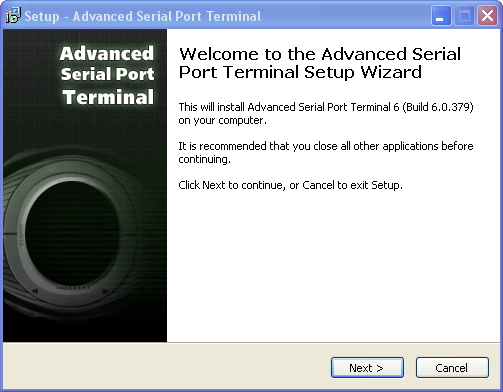
3. In the invoked window click “Next” button to start the installation process of Advanced Serial Port Terminal:
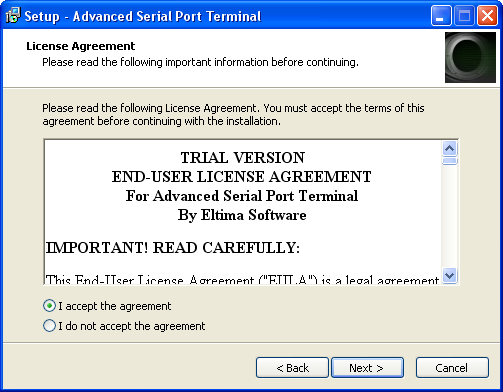
4. Study the License Agreement carefully. If you agree with all license terms and conditions, click “I accept the agreement” radio button. Then click “Next” button to continue:
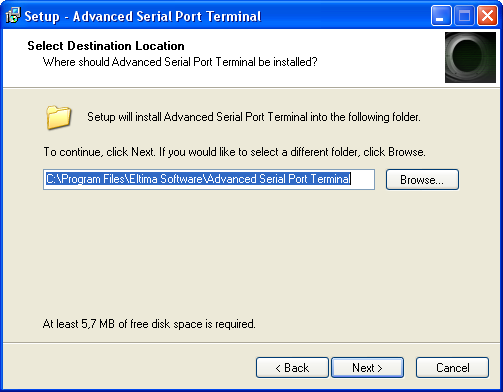
5. Select the destination path for Advanced Serial Port Terminal. Then click “Next” button to continue:
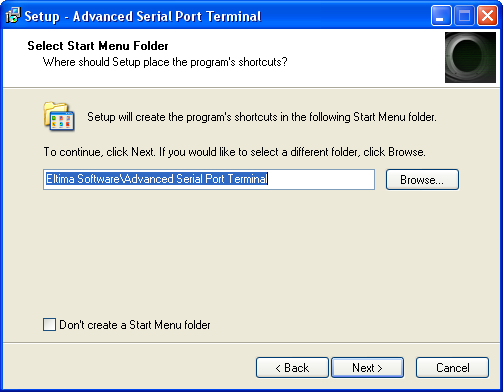
6. Choose the folder where the program’s shortcuts will be created, and click “Next” button to continue:
7. Decide whether a desktop icon and a Quick Launch icon should be created, and click “Next” button to continue:
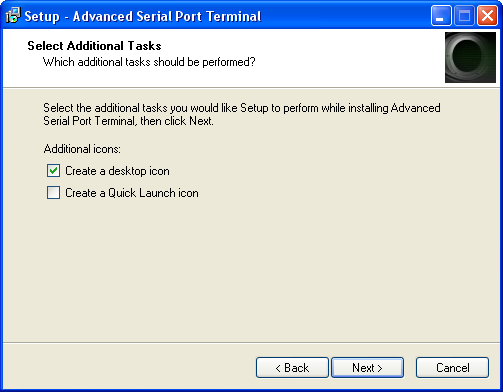
8. Now when all settings are customized, click “Install” button to proceed with the installation process:
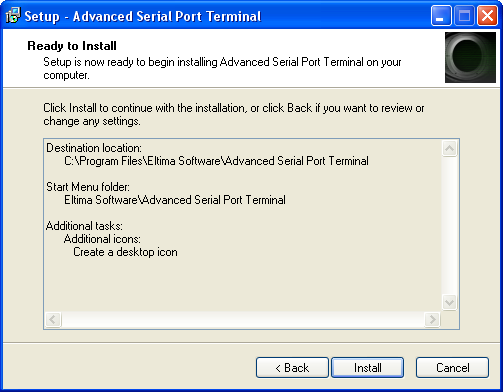
9. Once the installation is over, click “Finish” button:
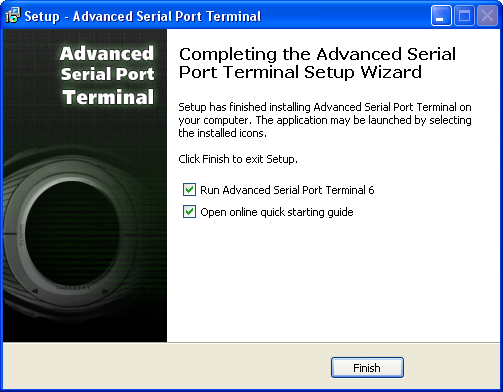
10. If you’ve chosen “Run Advanced Serial Port Terminal 6” option, Advanced Serial Port Terminal will be started immediately. Otherwise, either navigate to the Start menu and locate the launcher in Programs submenu or double-click the shortcut created on the desktop to launch Advanced Serial Port Terminal.