Advanced Serial Port Terminal is session-based application which means that you can personalize your connection settings for every remote host or serial port device, save them in a separate configuration set and automatically load this configuration set whenever you need. This is particularly useful if you have a number of different devices with distinct set of options.
To save connection session parameters, do the following:
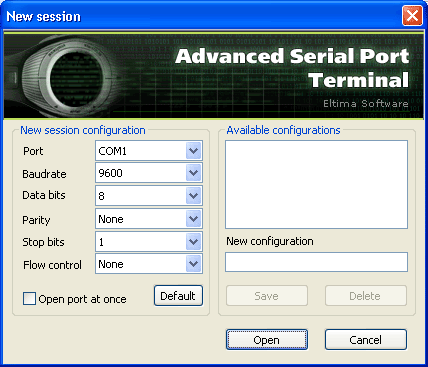
1. Select “File” –> “New session” from main menu to invoke “New session” dialog:
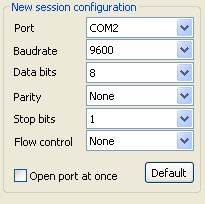
2. Customize your connection settings in “New session configuration” group:
3. Type session name in “New configuration” text field:
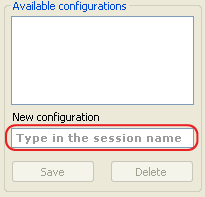
4. Click “Save” button.
To load connection session parameters, do the following:
1. Select “File” –> “New session” from main menu to invoke “New session” dialog:
2. Select the configuration session from “Available configurations” group:
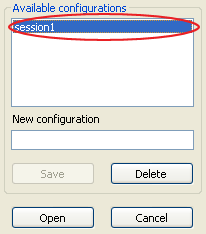
3. Click “Open” button.