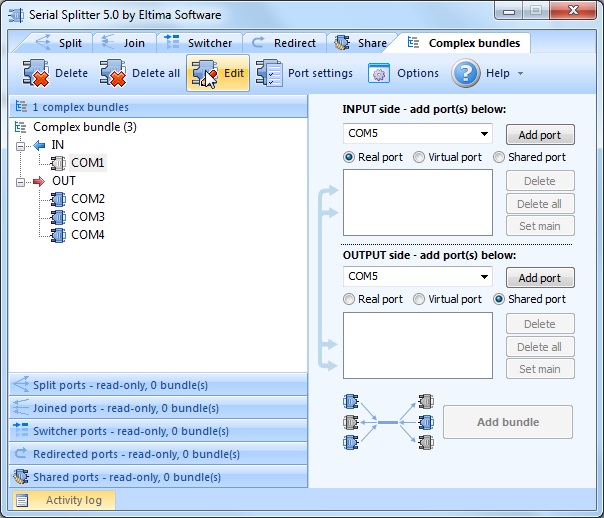
When a port bundle is created, you can edit it – add/delete port, set main port, change port settings. To do it, follow these steps:
- Left-click bundle name (or any bundle element) to highlight a bundle and press “Edit” button. Or right-click bundle name (or any bundle element) and then press “Edit” from a drop-down menu.
- In the panel to the right you’ll see all the ports of the selected bundle. Now you can edit the bundle. Don’t forget to press “Update settings” button to save the changes.
To delete a ports bundle or all created ports bundles, choose one of the following methods:
- Left-click bundle name (or any bundle element) to highlight the bundle and then click “Delete” button.
- Click “Delete all” button to delete all bundles created.
- Right-click bundle name (or any bundle element) and select “Delete” option from the drop-down menu.