- Download the latest version of SWF Live Preview from our official web site:
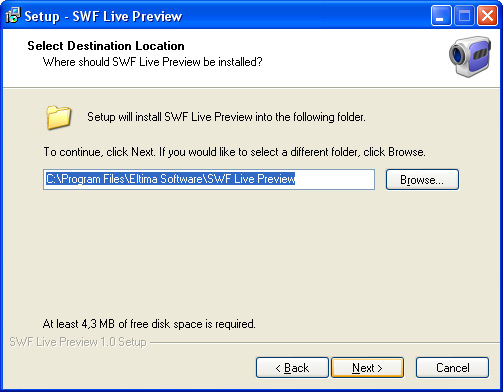
- Launch swf_live_preview.exe file to start the installation process. Choose the path for SWF Live Preview and the Start Menu folder.
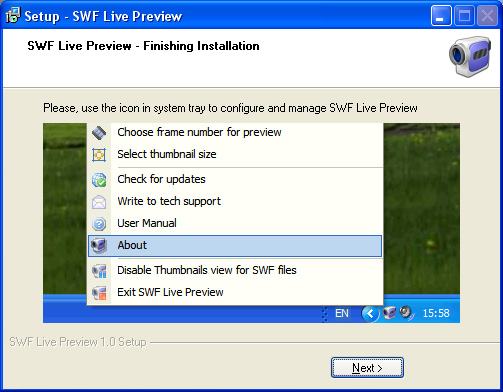
- Short instruction on how to use SWF Live Preview will be shown:
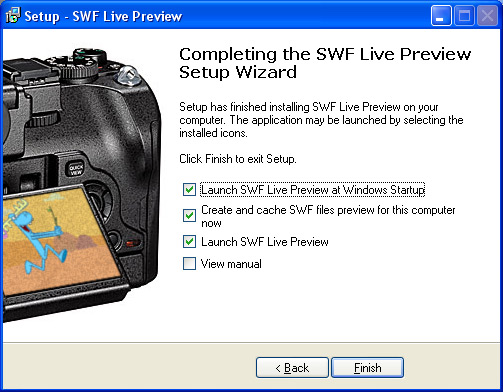
- Finally, tick the corresponding checkboxes to:
– Launch SWF Live Preview automatically at Windows startup;
– Create and cache SWF files previews after installation is finished;
– Launch SWF Live Preview after installation is finished;
– View the user manual.