Thumbnails bar displays thumbnails of all decompiled SWF elements: Shapes, Images, Morphs, Sounds, Video, Fonts, Texts, Buttons, Frames, Scripts.
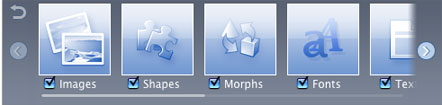
- If you click a thumbnail, the object will be displayed in Player.
- Moreover, here you can choose which resources to extract by ticking the corresponding checkboxes. The same option is available in SWF Resource panel.
- By pressing Â

 Â buttons, you list thumbnails left/right.
 buttons, you list thumbnails left/right. - If you press
 Â button, you’ll go one level up.
 button, you’ll go one level up.
You can disable thumbnails generation for certain object types in order not to slow down Flash Decompiler performance, especially if there are many items in object groups. Do it in Main menu –> Preferences –> Thumbnails.
Show/hide Thumbnails bar in Main menu –> View –> Show thumbnails, or press    Status bar button.